Key Takeaways
A mobile battery is easier to choose and care for when you understand its capacity, age and charging limits.
- Check your phone model and battery specifications before buying a replacement.
- Treat swelling, unusual heat and physical damage as safety warnings.
- Reduce drain by managing the display, connections, background apps and notifications.
- Use a compatible charger and avoid charging damaged batteries.
- Recycle old batteries through an approved Australian collection point.
Understanding what a mobile battery is
A mobile battery stores electrical energy in a compact rechargeable cell, allowing a phone to operate away from a wall socket. Most modern phones use lithium-based batteries because they offer a useful balance of capacity, weight and rechargeability. The words “mobile battery” can also describe a portable power bank, so it helps to separate the two.
Mobile phone batteries versus portable power banks
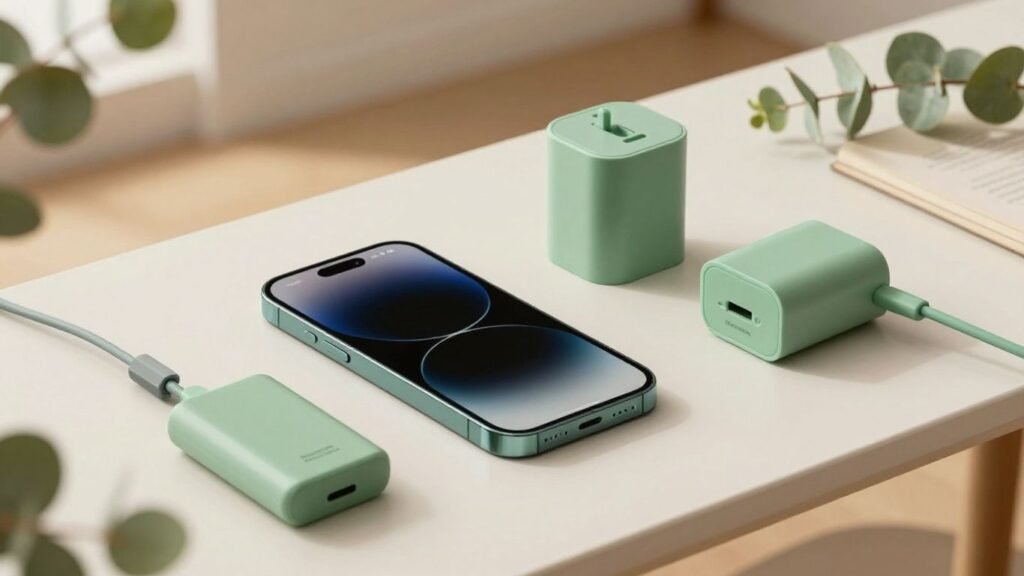
A phone battery sits inside the handset and connects directly to its charging and power-management systems. A portable power bank is an external battery with its own casing, charging port and output ports; it supplies energy to a phone through a cable rather than replacing the internal cell. The distinction matters because a power bank may extend a day’s use, but it cannot correct an ageing or damaged phone battery.
For broader device comparisons, Local Insight’s mobile phone guide can help readers think about battery life alongside other handset features. The same basic principle applies: match the accessory or replacement to the device, rather than assuming every battery is interchangeable.
How lithium-ion and lithium-polymer batteries work
Lithium-ion and lithium-polymer batteries store and release energy as lithium ions move between internal electrodes. Lithium-polymer cells use a polymer-based electrolyte and can be made in flexible shapes, while lithium-ion cells commonly use a liquid electrolyte in a rigid cell. Both types depend on electronic controls to manage charging, temperature and discharge.
The battery does not simply run until it is empty and then become new again. Each charging cycle contributes to gradual chemical wear, although one cycle is generally measured by the total amount discharged rather than every time a charger is connected. Good temperature control and sensible charging habits can slow that wear.
Capacity, voltage and watt-hours explained
Capacity is usually shown in milliamp-hours, or mAh, and indicates how much charge a battery can hold. Voltage describes the electrical potential, while watt-hours combine capacity and voltage to give a more useful measure of stored energy. Two batteries with the same mAh rating can therefore hold different amounts of energy if their voltages differ.
Phone specifications are normally the safest reference point. A larger number is not automatically better: an unsuitable voltage, connector or battery-management system can create compatibility and safety problems.
Why battery age affects everyday performance
As a battery ages, its ability to hold charge and deliver power can decline. A phone may lose percentage points quickly, shut down during demanding tasks or show noticeably shorter use between charges. Cold conditions can temporarily make these symptoms more obvious, while heat can accelerate long-term degradation.
A useful test is to compare current behaviour with the phone’s earlier performance under similar conditions. If the battery health reading is poor, or the handset is several years old and struggling despite moderate use, replacement may be more sensible than repeatedly changing settings.
Choosing the right mobile battery
Choosing a replacement is not just a matter of finding the highest capacity. The exact phone model, physical dimensions, connector, voltage and battery-management requirements all matter. Local Insight’s practical approach is simple: verify the device first, then compare products on fit, provenance and safety rather than price alone.
Checking your phone’s battery specifications
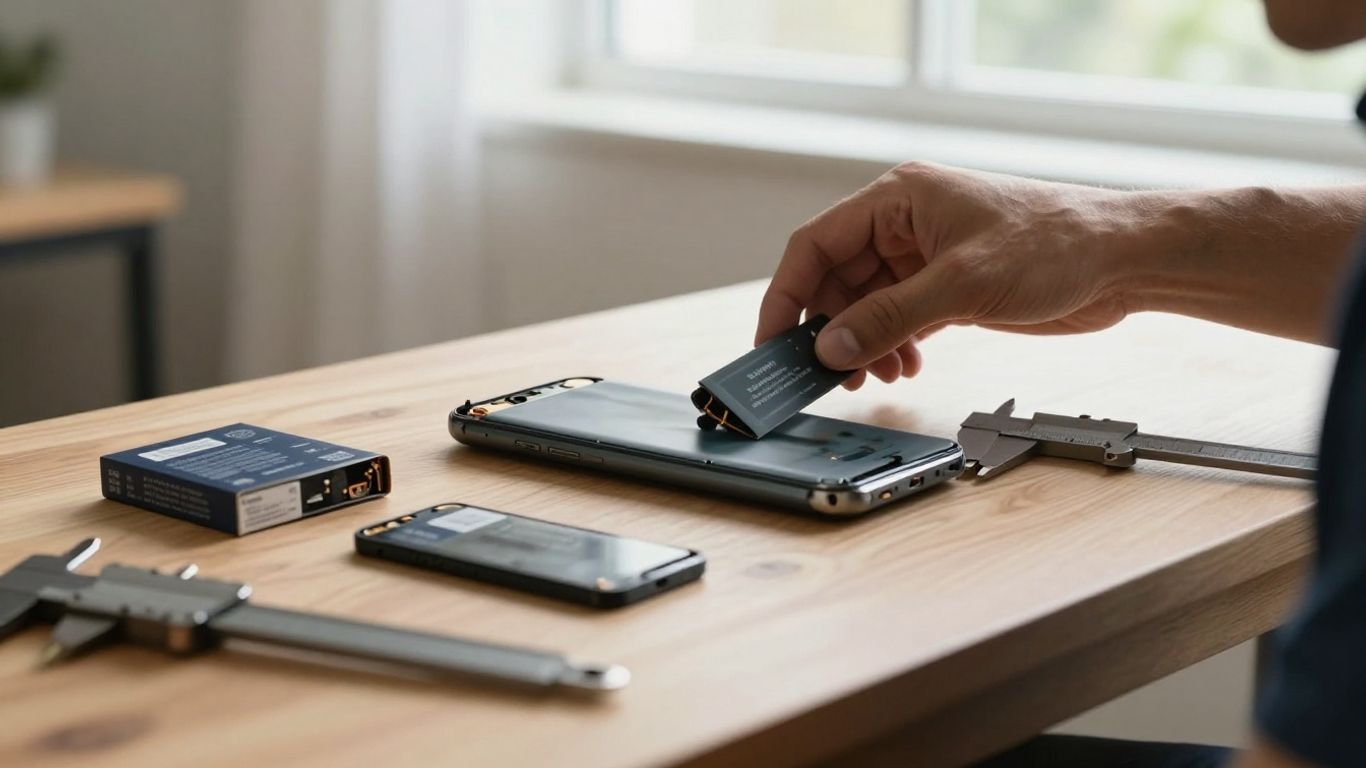
Find the model number in the phone’s settings, on its original packaging or on the manufacturer’s information label. Use that exact model when checking a replacement, especially where several phones have similar names but different regional versions. Record the stated capacity, voltage and part number before shopping.
A reputable seller should provide clear compatibility information, not just a vague description such as “fits most phones”. Also check whether the battery is intended for professional installation, since some modern handsets are sealed with adhesive and require specialised tools.
Comparing genuine, compatible and replacement batteries
A genuine battery is supplied through the device manufacturer or an authorised channel. A compatible replacement is made to suit the same model but may come from another manufacturer, while a used or refurbished battery has already experienced some degree of wear. These categories should not be treated as identical.
Look for a traceable seller, a clear warranty and complete technical details. A very cheap listing with no manufacturer information, unclear photographs or exaggerated capacity claims deserves caution. For a wider look at available handset choices, readers can also browse phones in Australia, although a phone recommendation is separate from battery compatibility.
Matching capacity with size, weight and charging needs
Capacity affects how long a phone may run, but it also relates to the cell’s size, weight and heat output. A replacement that claims a dramatic capacity increase while keeping exactly the same dimensions should be checked carefully. Charging speed depends on the phone, charger, cable and battery-management system working together.
These trade-offs are easier to compare in a table than in a string of specifications:
| Factor | What it tells you | What to check |
|---|---|---|
| Capacity | Approximate stored charge | Match the phone’s stated mAh range |
| Voltage | Electrical operating level | Use the device or battery specification |
| Physical fit | Whether the cell can be installed safely | Confirm dimensions and connector position |
| Charging support | How the phone accepts power | Check charger, cable and device requirements |
The table is a starting point, not permission to substitute a higher-rated cell. If any specification is unclear, ask the manufacturer or a qualified repairer before ordering.
Identifying reliable safety certifications and sellers
Look for clear labelling, a genuine business address, transparent returns information and evidence that the product meets applicable Australian requirements. A seller should be able to explain the battery’s origin and provide instructions for storage, installation and disposal. Be wary of listings that use safety marks without identifying the responsible supplier.
The safest purchase is usually one with a documented supply chain and a warranty that can actually be used in Australia. A seller that avoids basic questions about compatibility is not worth the apparent saving.
Diagnosing common mobile battery problems
Battery symptoms can come from the cell, the charger, the phone’s software or the surrounding environment. A few observations can narrow down the cause, but electrical damage is not something to diagnose by repeated trial and error. Stop using the phone if it becomes unsafe to handle.
Recognising rapid battery drain
Rapid drain can result from an ageing cell, weak mobile reception, high screen brightness, navigation, video recording or an app running continuously in the background. Check the phone’s battery-usage screen to see whether one application or service accounts for an unusual share. Compare the result over a normal day rather than judging it after a single demanding session.
If drain continues after reducing obvious sources, restart the phone and install available system updates. Persistent shutdowns, a visibly swollen case or a battery percentage that falls in large jumps point towards a hardware assessment rather than endless setting changes.
Identifying overheating, swelling and physical damage
A warm phone during gaming, video calls or fast charging is not automatically faulty, but heat that remains high during light use is concerning. A lifting screen, bulging rear panel, hissing sound, chemical odour or damaged wrapper can indicate a failing cell. Do not press, puncture, bend or remove a swollen battery yourself.
Move a damaged device away from flammable materials if it is safe to do so, stop charging it and seek advice from the manufacturer, a repair professional or an emergency service if it is smoking or burning. Safety comes before data access when a battery shows physical damage.
Understanding charging interruptions and slow charging
Charging may pause because of a poor cable, debris in the port, an underpowered adaptor, high temperature or a protective software limit. A phone can also charge slowly when it is being used heavily at the same time. Test with a known-compatible charger and cable, but do not force a connector or clean a port with metal.
If charging repeatedly starts and stops with more than one suitable charger, the port, battery or charging circuit may need inspection. Keep records of when the fault occurs, since the pattern can help a technician identify the cause.
When software settings may be causing battery issues
Software can increase power use through location access, synchronisation, high refresh rates, bright displays and frequent push notifications. Battery-usage menus often show which applications have been active and whether the phone has spent time searching for a network. Privacy choices matter too; a privacy policy such as device data guidance explains why device information may be collected, but it does not diagnose a battery fault.
Make one change at a time, then observe the phone for a day or two. If the problem remains after updates and sensible settings changes, treat it as a possible hardware issue rather than assuming the software is always responsible.
Improving mobile battery life
Battery life is shaped by the phone’s screen, network conditions, apps and temperature as much as by the cell itself. Small adjustments tend to work better than turning every feature off. For Local Insight readers, the practical goal is a phone that lasts through the day without becoming inconvenient to use.
Adjusting display, network and location settings
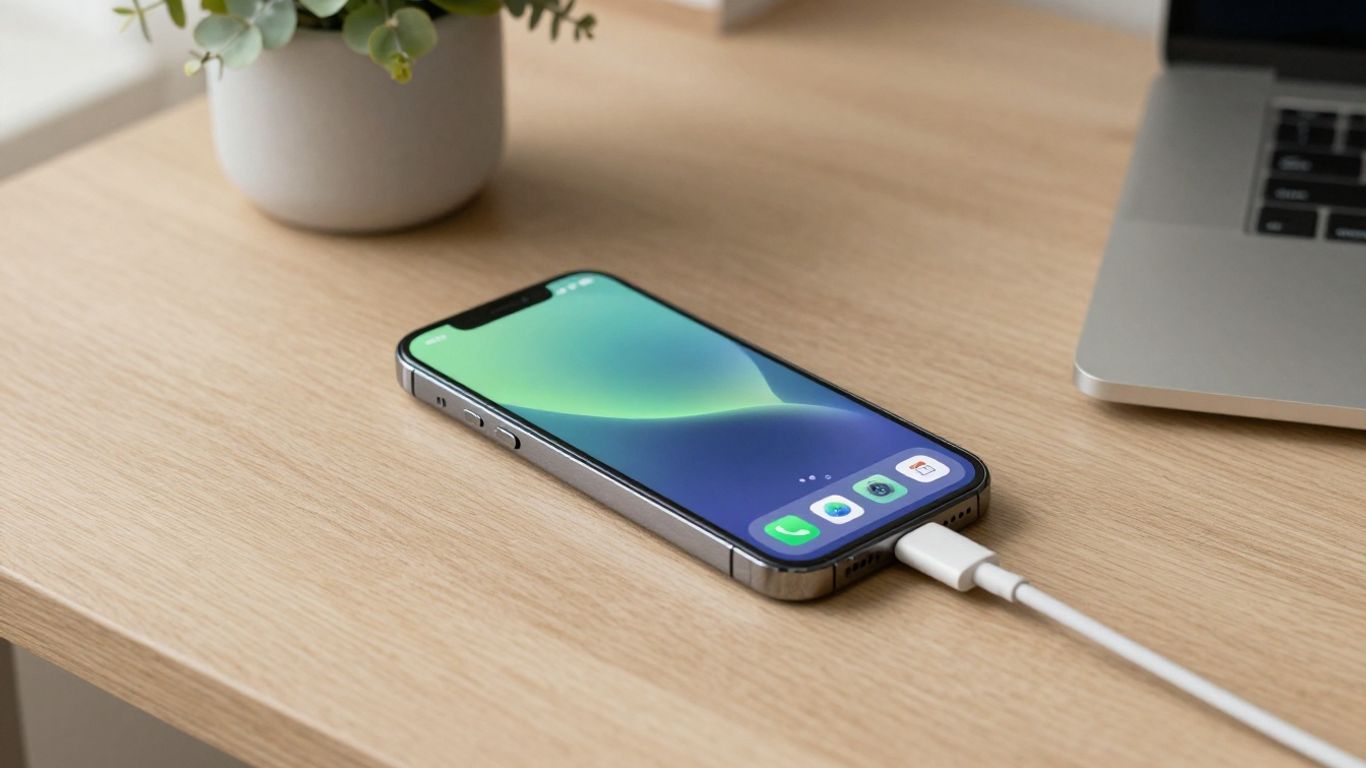
The display is often one of the largest sources of everyday consumption. Lower brightness when practical, shorten the screen timeout and use an adaptive brightness setting if it behaves well for you. In areas with weak reception, a phone may use more energy searching for a signal, so Wi-Fi calling or temporarily using flight mode where appropriate can help.
Location services do not need to be disabled completely. Review which apps can access location all the time, and choose an option that fits the app’s purpose. Navigation and emergency features may need access even when other apps do not.
Managing background apps and push notifications
Background activity allows apps to refresh content, upload information and send alerts when you are not actively using them. Review applications that you rarely open, remove those you no longer need and restrict background activity where the phone provides that option. Too many notifications also encourage repeated screen wake-ups.
A useful routine is to check four areas:
- Apps with unusually high background battery use.
- Accounts that synchronise more often than necessary.
- Notifications that do not need immediate delivery.
- Widgets or live updates that refresh throughout the day.
These changes should be selective. Disabling every background permission can delay messages, break useful features or make the phone less convenient, so keep services that genuinely matter.
Using battery-saving and adaptive charging features
Battery-saver modes reduce activity such as background refresh, visual effects or performance, depending on the phone. Adaptive charging features may learn a person’s routine and delay the final part of charging, reducing the time the battery spends at a high charge level. The exact behaviour varies between devices.
Use these tools when they suit your routine rather than treating them as a cure for a worn-out cell. A battery-saving mode can stretch today’s charge, but it cannot restore lost capacity.
Avoiding heat and extreme temperatures
Heat is one of the most useful things to manage. Do not leave a phone on a sunny dashboard, under bedding or in a hot car while it is charging. Cold conditions can temporarily reduce performance, so allow the device to return gradually to a moderate temperature instead of applying direct heat.
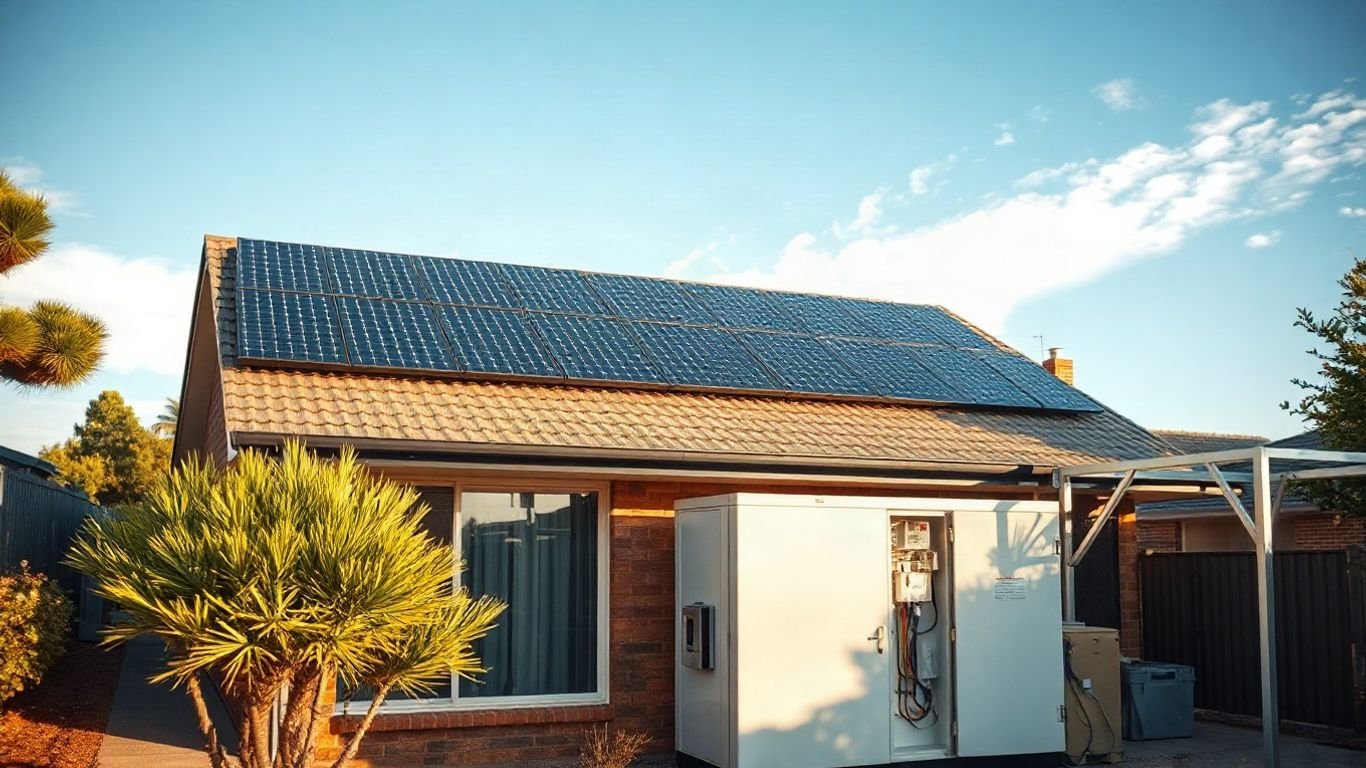
The same caution applies to larger portable energy products. A guide to mobile energy storage describes lithium-ion systems and temperature control in a broader setting; the household lesson is still straightforward—ventilation and appropriate operating conditions matter.
Charging a mobile battery safely
Safe charging begins with compatibility rather than maximum advertised wattage. The phone and charger negotiate an appropriate power level when they support the same standard, while a poor-quality cable or adaptor can create instability. Charging habits should also account for heat, ventilation and the battery’s physical condition.
Choosing the right charger, cable and power output
Use a charger and cable suited to the phone’s specifications, ideally from the manufacturer or a reputable accessory supplier. Check the output ratings and inspect cables for fraying, exposed conductors or loose connectors. A higher-wattage charger is not automatically harmful when the phone manages it correctly, but it is unnecessary if the device cannot use that power.
Avoid unbranded adaptors with missing safety information. If charging becomes unusually hot, cuts out or produces a smell, unplug it and investigate rather than continuing to test it.
When fast charging is useful and when it creates heat
Fast charging is useful before leaving home or during a short break, particularly when the phone supports the relevant charging standard. It can create more heat than slower charging, especially when the device is being used, enclosed or exposed to a hot environment. The phone may reduce charging speed automatically as temperature rises.
For routine overnight charging, a standard compatible charger may be adequate. The best choice depends on the device, the charger’s quality and whether the extra speed is genuinely useful.
Safe charging habits at home, work and in the car
Keep the phone on a hard, stable surface with room for air to circulate. Do not charge it beneath a pillow or blanket, and avoid damaged sockets, loose car adaptors and cables stretched across walkways. At work or while travelling, use a known charger rather than an unknown public accessory.
A simple habit is to disconnect equipment that becomes hot, smells unusual or behaves erratically. Charging in a car is generally most predictable with a quality adaptor connected to a sound power outlet, not a loose or improvised connection.
Why damaged batteries should not be charged
Charging a swollen, punctured, leaking or severely dented battery can increase the risk of fire or further damage. Do not attempt to flatten a swelling, tape over a split cell or place a damaged battery in a freezer. Keep people away from an actively smoking or burning device and contact emergency services when necessary.
For a damaged but stable device, seek professional advice about isolation and disposal. Continuing to charge it merely to recover the last photos is not a reasonable trade-off; plan backups before problems appear.
Replacing and recycling a mobile battery
A replacement can restore useful battery life, but the process is not suitable for every phone or every owner. Sealed designs may involve adhesive, delicate display cables and a loss of water resistance if the repair is poorly completed. Local Insight’s Australian focus also makes disposal important: batteries should not go into household rubbish or kerbside recycling.
Deciding between professional and DIY replacement
Professional replacement is the safer choice when the phone is sealed, the battery is swollen or specialised tools are required. DIY work may be possible for older, repairable models, but only with the correct part, instructions and protective equipment. A repair that damages the screen, cable or frame can cost more than the original battery.
Ask the repairer whether the replacement part is new, what warranty applies and whether the phone’s seals or biometric functions may be affected. If the battery is already damaged, do not open the phone merely to inspect it.
Backing up data before a battery replacement
Back up photos, contacts, messages and authentication information before handing over the phone. Confirm that the backup has completed and that you know the passwords needed to restore it. If the phone still works, record any two-factor authentication arrangements and make sure you can access recovery codes.
A repair should not normally erase data, but accidents happen and some troubleshooting steps require a reset. A current backup turns a stressful repair into a manageable interruption.
What to expect from battery replacement costs
The final price depends on the phone model, part quality, labour, location and whether additional damage is found. Ask for a written estimate that separates the battery from labour and states whether testing is included. Manufacturer or authorised repairs may cost more but can provide clearer parts provenance and warranty support.
Compare the repair cost with the phone’s age, condition, software support and replacement value. If the screen, charging port and battery all need work, replacing the handset may be more economical.
Recycling old batteries safely in Australia
Lithium batteries contain materials that can create fires when crushed or short-circuited. Keep a removed battery dry and away from loose metal objects, and follow the instructions of the collection service. Do not place it in a general rubbish bin, kerbside recycling bin or household battery container unless the service specifically accepts that battery type.
Australian councils, transfer stations, retailers and battery-recycling programs may accept different formats. Check locally before travelling, and tape exposed terminals only when the collection service recommends it. The safest route is to disclose that the item is a lithium battery and whether it is damaged or swollen.
Conclusion
Choosing, charging and replacing a mobile battery becomes much simpler when compatibility and safety lead the decision. Check the specifications, watch for heat or swelling, use suitable charging equipment and arrange responsible recycling when the battery reaches the end of its useful life. Those habits protect the device, the household and the people using it.
Frequently Asked Questions
How long does a mobile phone battery usually last?
Many phone batteries remain useful for several years, but lifespan depends on charging cycles, heat, usage and the quality of the cell. Noticeably shorter runtime, unexpected shutdowns and poor battery-health readings are signs to investigate.
Is a higher mAh battery always better?
No. A higher capacity is useful only when the battery fits the phone and matches its voltage, connector and management system. An incompatible high-capacity cell can be unsafe or may not work correctly.
Can I use any charger with my phone?
Use a charger and cable that meet the phone’s supported charging requirements and come from a reputable source. The phone may limit power safely, but a poor-quality or damaged accessory can still create heat and charging faults.
Should I charge my phone overnight?
Overnight charging is generally managed by modern phones, but heat and damaged equipment remain concerns. Keep the phone ventilated, use suitable equipment and consider adaptive charging if the device offers it.
What should I do if my battery is swollen?
Stop charging and using the device, and do not press, puncture or remove the battery yourself. Keep it away from flammable materials if safe, then contact a qualified repairer or appropriate emergency service for advice.
Can cold weather permanently damage a phone battery?
Cold can temporarily reduce battery performance and cause faster percentage drops. Allow the phone to warm gradually at room temperature; repeated exposure to extreme conditions can contribute to long-term wear.
Can I put an old phone battery in the recycling bin?
No. Lithium batteries should be taken to a collection point that accepts them. Ask the council, retailer or recycling service about the correct location, particularly if the battery is damaged or swollen.